Run Configured Script
The Model Bridge Plugin creates a new button in the toolbar titled "Run Configured Script".
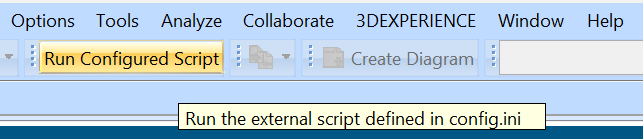
The behavior of this button can be configured in the config.ini.
This button is useful for running a script or program that interfaces with the Model Bridge Plugin. For example, you could write a script to generate a simulation file and configure the button to point to this script. Then, after making changes to the model, you could press the "Run Configured Script" button and generate a new simulation file based off the current model data.